1
Step 1: Create a New Account
Create an account with your name, address, phone number, and email. Registration is free, with no monthly fees or contracts.
Home / How to Send Certified Mail Online
Skip the trip to the Post Office. Print Certified Mail labels online and save time.
Create Your Free Account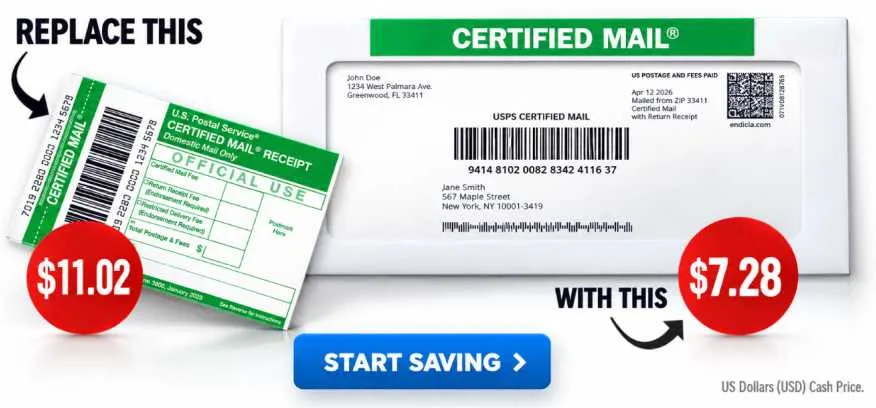
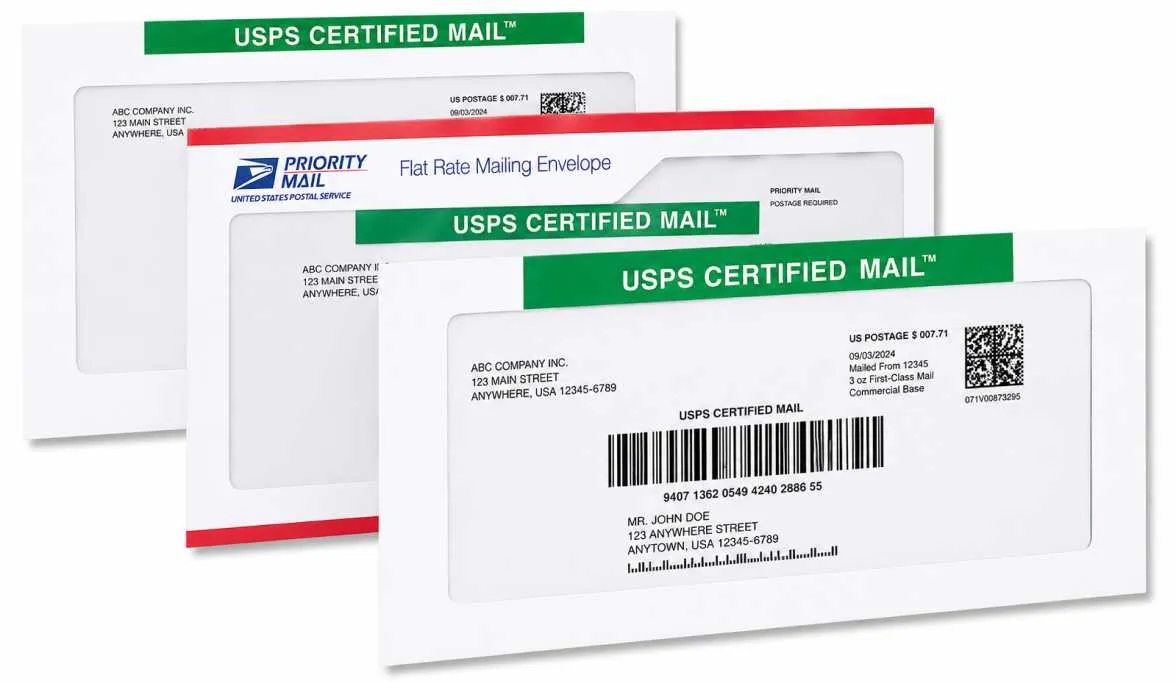
A Certified Mail label prints on plain paper and can be folded and attached to the outside of an envelope. You can also use approved Certified Mail envelopes designed for automated mailings, so there is nothing to glue, tape, or affix.
Create an account with your name, address, phone number, and email. Registration is free, with no monthly fees or contracts.
Each label uses USPS postage and an actual Certified Mail tracking number and barcode. Select the postage weight and delivery services you need, then fund your account. For account verification, call 800-406-1792 during business hours, Monday through Friday, 9 AM–6 PM Eastern.
Follow the step-by-step instructions to print your label. Track delivery and access Electronic Delivery Confirmation reports and archived records from your account. FTP access is available for commercial and high-volume mailers.
Create your account, add a payment method, make and print your labels, then place your mail in outgoing USPS mail. Certified Mail Labels provides an online alternative for creating USPS Certified Mail labels and organizing proof and delivery records.
For eligible mailings, add Electronic Return Receipt to receive available delivery and signature information.
Certified Mail provides delivery confirmation. If you need a recipient signature record, add Return Receipt Electronic when the service is purchased with the mailing. USPS may leave a notice and hold an undelivered item for pickup.
Certified Mail is commonly used for important legal and compliance mail, regulatory correspondence, and notices. It can also help when you need proof of postage and a record of USPS delivery or attempted delivery.
The source site's 2026 example lists a 1-ounce letter at $7.28 with Electronic Delivery Confirmation, compared with $11.02 at the Post Office counter with a green card. Rates depend on the selected service and mailing.
See 2026 Rates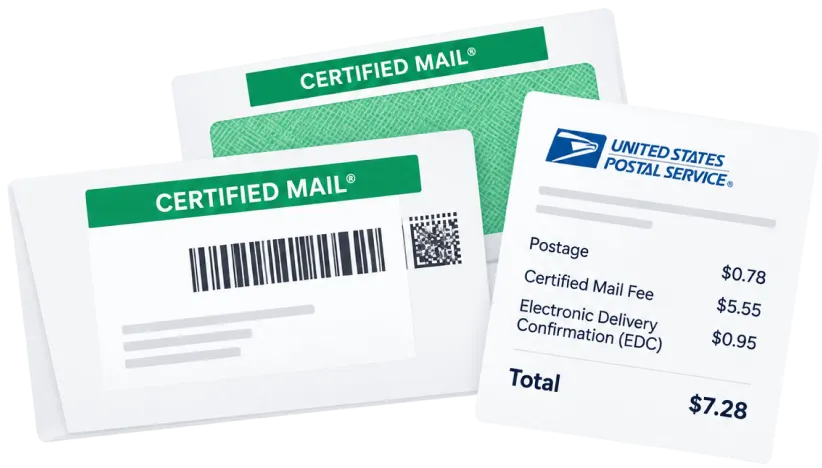
Print Certified Mail labels online and keep your mailing records together.
Create Your Free Account